AX3000 Wi-Fi 6 Router: Comprehensive Guide, Technology Insights, and Application Scenarios
来源:
|
作者:WMQ
|
发布时间 :2025-06-30
|
21 次浏览:
|
🔊 Click to read aloud
❚❚
▶
|
Share:
AX3000 Wi-Fi 6 Routers offer a high-performance, secure, and user-friendly wireless solution for modern homes and offices. Understanding its features, application scenarios, and setup tips can help you fully leverage the benefits of next-generation wireless networking.
With the rapid evolution of wireless technology, AX3000 Wi-Fi 6 Routers are now among the top choices for home and office networking upgrades. This article provides a comprehensive resource on what AX3000 Wi-Fi 6 routers are, their core technologies, how they benefit modern users, and practical tips for maximizing your network’s performance.
What Is an AX3000 Wi-Fi 6 Router?
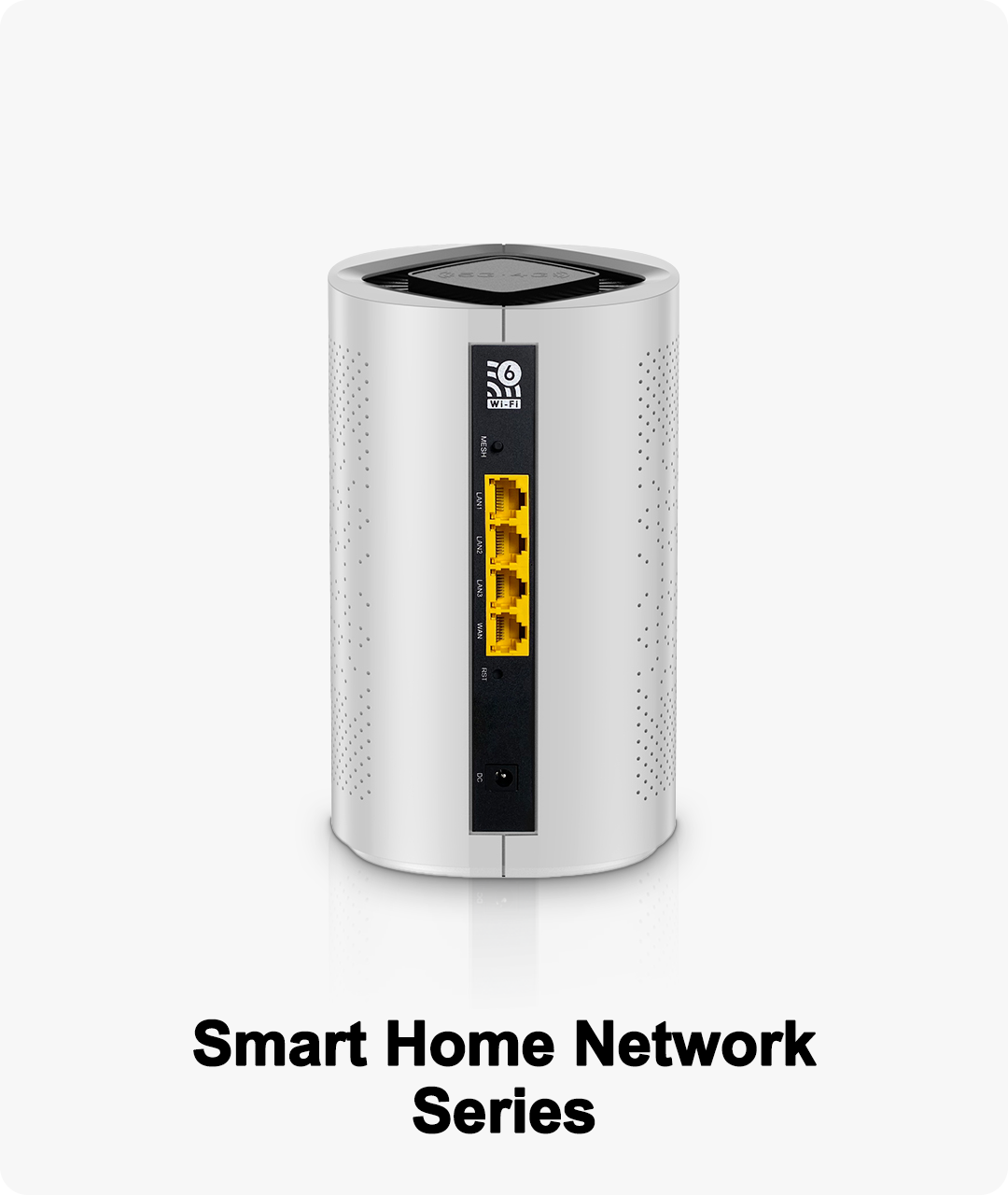
An AX3000 Wi-Fi 6 Router refers to a dual-band gigabit router supporting the latest Wi-Fi 6 (802.11ax) standard, capable of delivering total wireless speeds up to 3000Mbps. These routers are designed to handle high-density environments, large file transfers, and the growing demands of smart home devices.
Key Technical Features
802.11ax Wireless Standard: Also known as Wi-Fi 6, this standard improves speed, efficiency, and device capacity compared to older Wi-Fi generations.
Dual Band (2.4GHz + 5GHz): Ensures stable connections and reduces congestion by splitting traffic between two frequency bands.
160MHz Channel Width: Enables higher data throughput for demanding applications like 4K/8K streaming and cloud gaming.
1024-QAM Modulation: Increases data density and overall network performance.
OFDMA and MU-MIMO: Supports multiple devices communicating simultaneously, optimizing bandwidth allocation and reducing latency.
Beamforming Technology: Directs the Wi-Fi signal towards each device, enhancing range and reliability.
Benefits of Wi-Fi 6 for Modern Households
Whole Home Coverage: The AX3000’s design ensures stable Wi-Fi coverage in multi-room and large home environments.
Multiple Device Streaming: Easily supports simultaneous streaming, gaming, video conferencing, and smart home automation.
Parental Controls & Guest Access: Enhances family safety and privacy by controlling internet usage and offering a secure guest network.
WPA3 Security: Provides the highest level of wireless encryption for personal and business data.
Easy Setup & Maintenance: Intuitive apps, auto firmware updates, and status LEDs simplify management for all users.
Common Application Scenarios
Smart Homes: Connects a wide array of IoT devices such as cameras, lights, sensors, and appliances with zero performance drops.
Home Office: Ensures reliable video conferencing, large file uploads/downloads, and VPN client support for remote workers.
Online Gaming: Game mode optimization and low-latency design minimize lag and packet loss for a superior gaming experience.
Streaming Media: Handles multiple 4K/8K streams, high-speed downloads, and cloud gaming simultaneously.
Mesh Network Expansion: Easily integrates into a mesh system to eliminate Wi-Fi dead zones in large or multi-story houses.
How to Choose and Set Up an AX3000 Wi-Fi 6 Router
Assess Your Space: Map your home or office size and identify where strong coverage is needed.
Connect Smartly: Use Gigabit Ethernet ports for high-bandwidth devices; connect others wirelessly.
Optimize Settings: Enable parental controls, QoS, and bandwidth allocation for critical devices.
Stay Updated: Activate auto-update for firmware to ensure the router always benefits from the latest security patches and features.
Monitor Performance: Use the router’s app to track connected devices, adjust settings, and optimize for your daily usage.